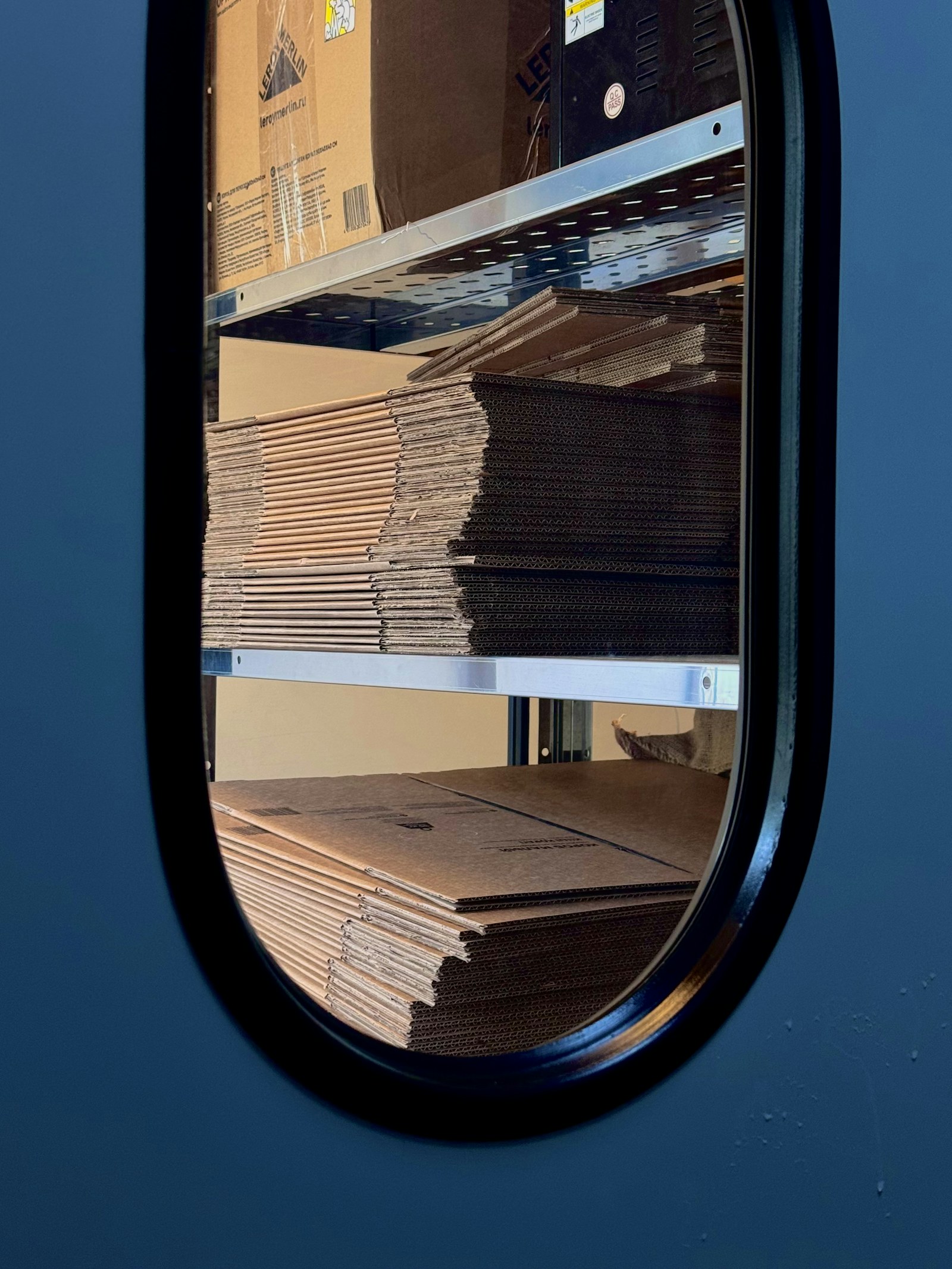
 Photo · Ant Rozetsky / Unsplash
Last week we said RAM was a hundred nanoseconds away. The pantry, just behind the chef. That's a lie. A useful, simplifying lie — but a lie.
Inside the chef's apron there's a tiny pocket — three or four spices, the most-used. On the chef's belt, a wider sash with a couple of dozen more. On the side of the counter, a spice rack with a hundred. On a low shelf, hundreds of jars. Behind that wall, the pantry. Behind that, an entire warehouse halfway across town.
Each tier is dramatically smaller and dramatically faster than the next. The chef could run to the warehouse for every pinch of salt. But the chef does not — because the chef is not stupid, and neither is the CPU. The whole reason modern programs are fast is that they almost never reach the warehouse.
Why caches exist at all
Look at any program — any program — and you'll find an absurd statistical truth:
Programs touch the same handful of bytes, over and over again, far more often than they touch new bytes.
This is called the locality of reference, and it has two flavours. Temporal locality — if you just touched a byte, you'll probably touch it again soon. Spatial locality — if you just touched byte 1000, you'll probably touch byte 1001 next.
Loops touch the same counter. Functions return to the same return address. Arrays are walked end-to-end. Objects are read field-by-field. The chef's hand keeps reaching to the same six places.
Caches are how the chef gets fast: keep the bytes you're likely to ask for next as close to your hands as possible. The genius is that you don't have to know what they'll be — locality almost always works. You just keep what was used recently, and what was next to it, and you're right ninety-five percent of the time.
 Photo · Heather McKean / Unsplash
L1 cache is the chef's spice rack. Eight or sixteen things. All within an arm's length. Reached in roughly one nanosecond.
The hierarchy
Modern CPUs have three tiers of cache between the registers and RAM. Each one is a few times slower than the one before, and a few times bigger. Together they form a pyramid:
Look at the jumps. Register → L1 is roughly 3×. L1 → L2 is 3×. L2 → L3 is 4×. L3 → RAM is 8×. RAM → SSD is 1000×. The whole thing is geometric: each layer down feels free compared to the layer beyond it, but it costs you a factor of 3-to-1000× compared to the layer above.
 Photo · Zetong Li / Unsplash
L3 is the library at the back of the kitchen. Megabytes-scale. The chef sends a runner if the data isn't on the counter.
Hits and misses
Every time the chef reaches for a byte, it's either there at hand (a hit) or it isn't (a miss). On a miss, the cache walks down the hierarchy until it finds the data, then carries it back up — pulling it, and a chunk of its neighbours (a cache line, usually 64 bytes), into the closer tiers. The chef waits the whole time.
Sample access pattern
Notice the pattern: a single miss to load a cache line, then several free hits as the chef walks through the neighbouring bytes. This is why arrays are fast. The first access pays for a 64-byte chunk. The next eight reads come from L1 at one nanosecond each.
Notice also the 0x1000 → 0xFA20 jump — a different region. That triggers a fresh miss. This is why pointer-chasing through a linked list is slow. Each node lives somewhere unrelated. Every step is a fresh trip to the warehouse.
The same algorithm, two speeds
Sum the values in a 10,000 × 10,000 array of 32-bit integers. Two ways:
for (int row = 0; row < 10000; row++) {
    for (int col = 0; col < 10000; col++) {
        sum += array[row][col];
    }
}
for (int col = 0; col < 10000; col++) {
    for (int row = 0; row < 10000; row++) {
        sum += array[row][col];
    }
}
Same algorithm. Same answer. Same number of additions. The only difference is whether the loop walks with the memory layout or across it. The cache-hostile version is around 10× slower.
This is the rule that runs underneath modern performance work. You can't beat the CPU by trying harder. You can absolutely beat it by feeding it bytes in the order it expects.
What the chef actually does
The CPU is constantly running a tiny prediction engine. As you read byte 1000, it fetches 1064 in the background. As you read 1064, it fetches 1128. The chef anticipates. It's wrong sometimes — branches, indirect jumps, scattered access — and when it's wrong, the chef stalls. Stall is the exact right word: a stove with nothing to do, waiting for the next ingredient to arrive from the warehouse.
"Why is this slow?" almost always reduces to: the chef is stalled, waiting on the cache. The fix is rarely a smarter algorithm. The fix is: let the chef anticipate.
Try it yourself
The cache hierarchy is real and observable. On macOS:
- Open Terminal. Run
sysctl hw | grep cache— you'll seel1icachesize,l1dcachesize,l2cachesize, sometimesl3cachesize. Those are your chef's pockets. - On Apple Silicon expect: L1 ≈ 128 KB per core, L2 ≈ 4–16 MB shared, L3 absent (Apple uses a single big L2 instead).
- On Linux:
lscpuorcat /sys/devices/system/cpu/cpu0/cache/index*/size. - On Windows: open Task Manager → Performance → CPU. The cache sizes are shown on the right.
Whatever the numbers say, that is the size of your chef's reach. Programs that fit their hot data into those numbers fly. Programs that don't, walk to the warehouse.
What's next
You now know where the chef keeps things. Next we ask: what does the chef actually do with them? What does a single instruction look like, in the language the chef speaks?
Week 04 is The Librarian — the CPU's instruction set. ADD, MOV, JMP, and the surprising fact that the entire 80-year history of software is built from a vocabulary of about a hundred words.
Photo credits
All photos are free under the Unsplash license. Warehouse · Ant Rozetsky · Spices · Heather McKean · Library · Zetong Li. Pyramid and access-pattern visuals are inline SVG / CSS.
Quick check
1. Roughly how much faster is L1 cache than RAM?
Reveal Answer
Answer: B. L1 is ~1 ns; RAM is ~100 ns. The whole point of cache is keeping you out of the warehouse.
2. Why is iterating a contiguous array faster than iterating a linked list of the same length?
Reveal Answer
Answer: B. Cache lines are 64 bytes. Walking an array of ints uses every byte; pointer-chasing a linked list misses almost every step.
3. A 'cache miss' means…
Reveal Answer
Answer: B. Cache misses force a trip to slower memory — the bigger the miss rate, the slower the program.